Make a level.
Make it yours.
An in-game level editor, a proper console, and MCP tools that bring your development setup into the game. Make a space, jump into it, and make it yours.
Unofficial mod. Real possibilities.
See what you can make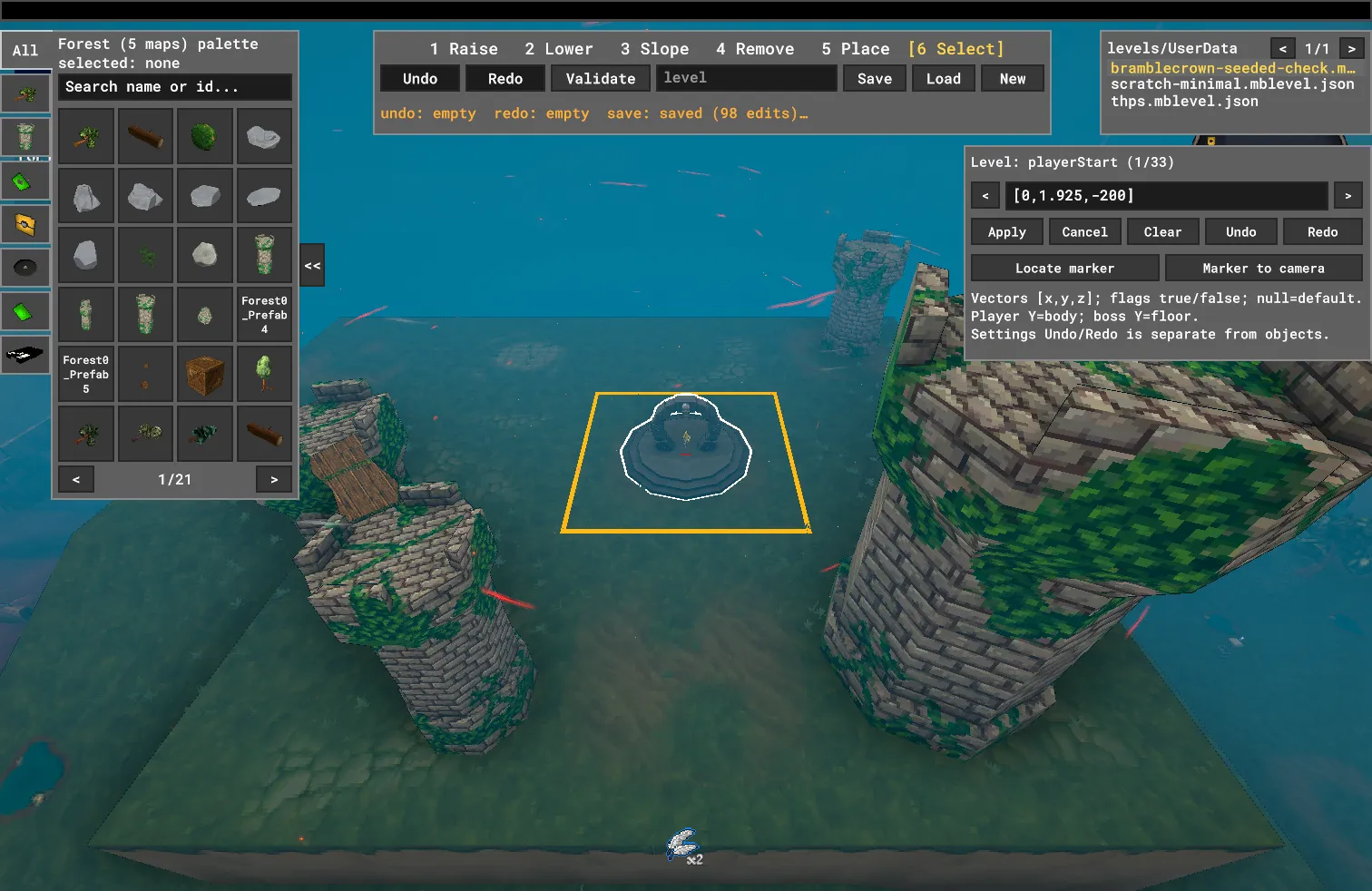
Less imagining. More making.
Press F8. The run pauses, the camera flies free, and the level becomes your workbench. Shape the ground. Place a ruin. Move that rock just a little to the left.
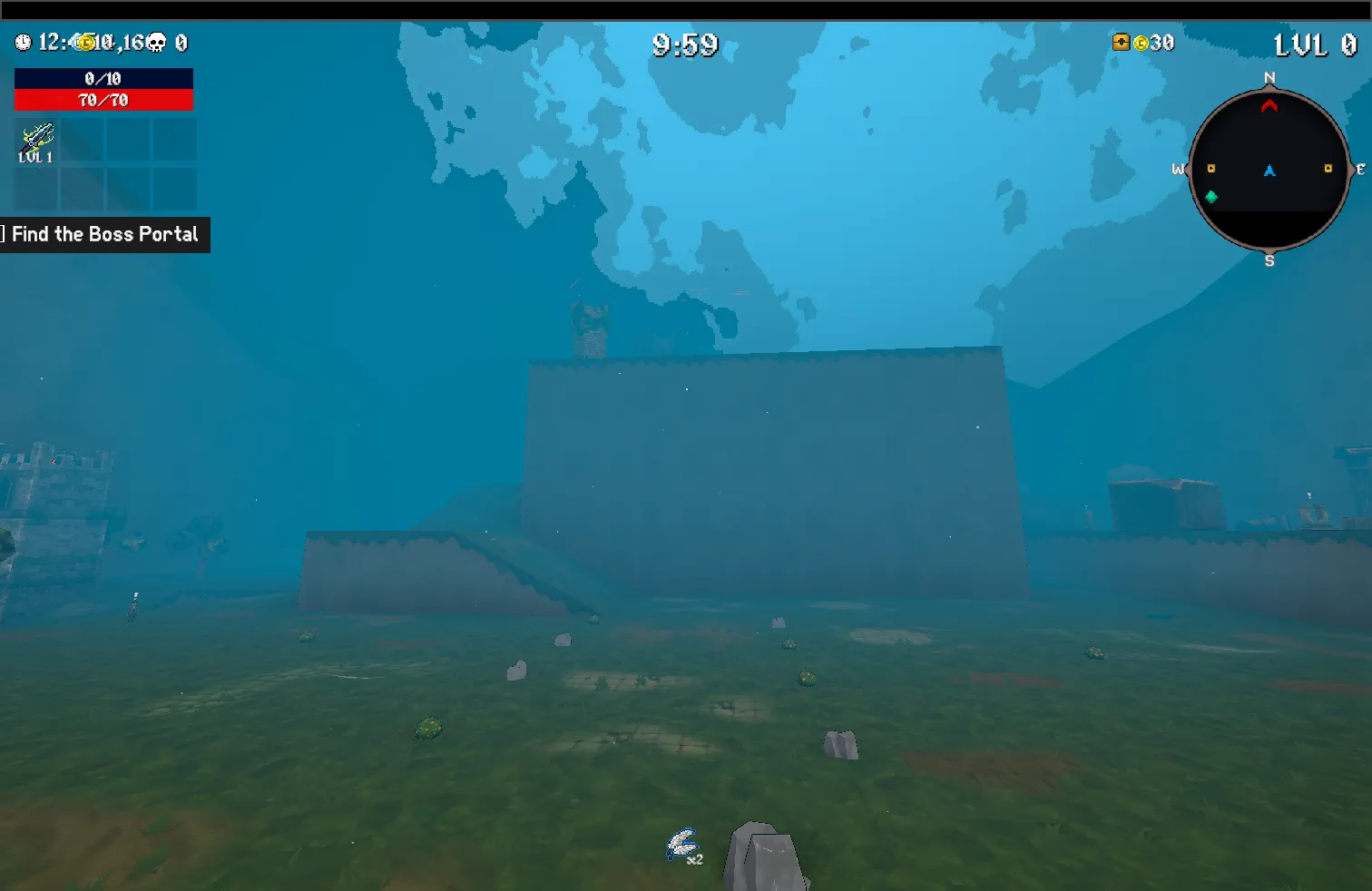
Press F8 again and you’re playing the same run, with your changes already there. No separate playtest build. No lost undo history.
- Raise, lower, slope and remove terrain on tile-based maps.
- Browse props from the game’s loaded maps and installed asset packs.
- Place, rotate and move objects. Undo, redo, save, repeat.
Terrain tools work on tile-based maps such as Forest and Graveyard. Desert and Hell support object editing, not terrain sculpting.
Explore the editor controlsVideo coming soonA walkthrough of shaping terrain, placing props and jumping back into the run. Recording coming soon.
Ctrl + Z is for second thoughts.
Start with a hill. End somewhere new.
Bramblecrown Hill is an original example level, supplied separately from the editor package. A spiral climb links a forest meadow, graveyard gully, dungeon ruins, desert highland and a hell district—all built from the game’s own props.
Move your first rock, save a copy, and take it for a run. This starter needs no extra asset pack or custom soundtrack.
Your level lives in a .mblevel.json file. Share it like any other file; players put it in UserData/Levels/ and find it beside the built-in maps. Levels using extra packs need those packs too, copied into UserData/LevelPacks/; the player guide shows the layout.
Video coming soonA tour of Bramblecrown Hill’s districts and spiral route. Gameplay video coming soon; this poster is an actual in-game capture.
my-bramblecrown.mblevel.jsonYour next version.A little more control. A lot less clicking.
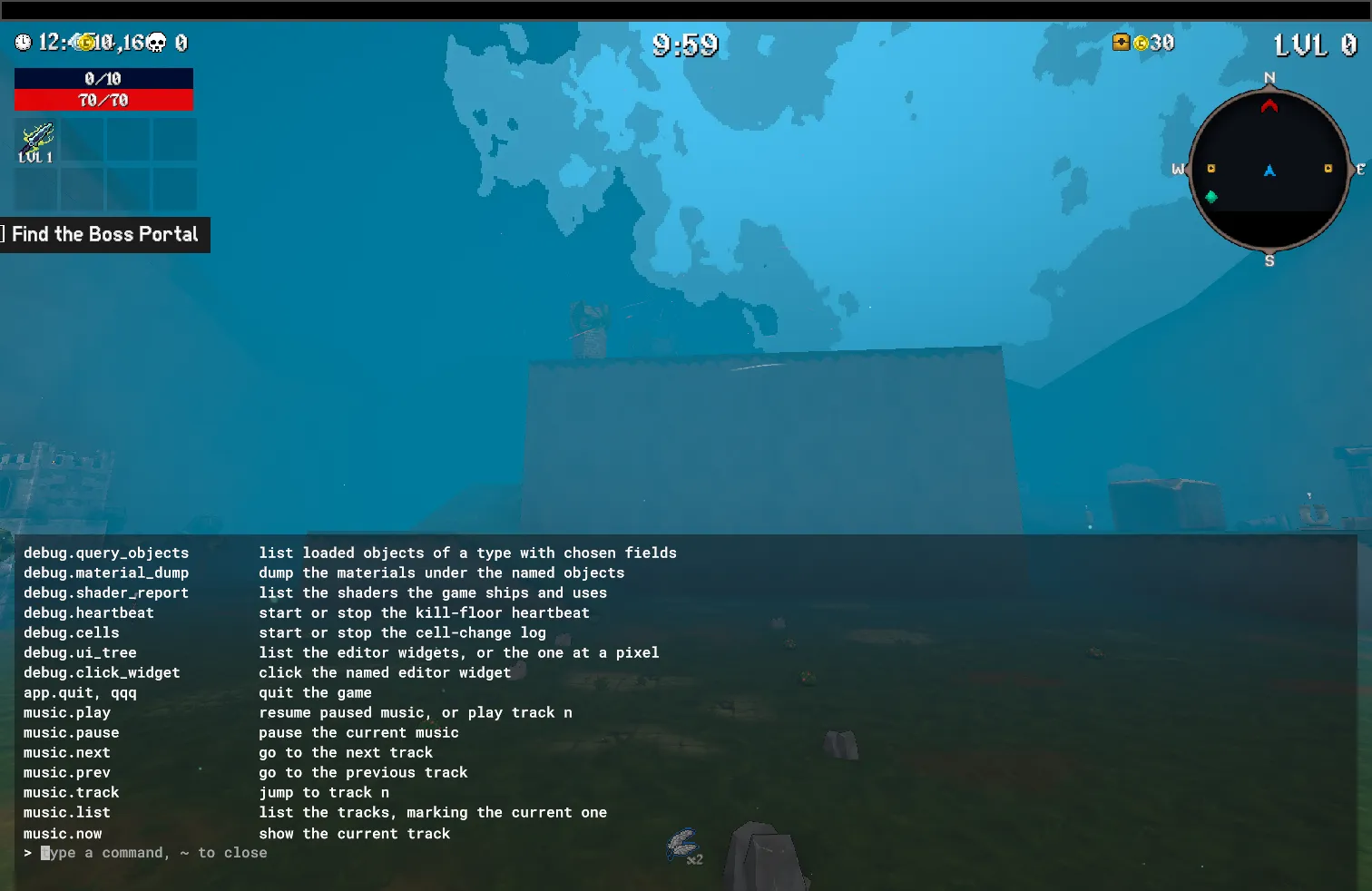
Open the console with the backquote / tilde key. Browse commands with help, complete them with Tab, and search your history with Ctrl-R.
The console pauses a running game while you type. History and scrollback survive the next launch, so useful commands don’t disappear between sessions.
helplevel.listmusic.nextMusic controls are available to everyone. Cheat/debug commands require MEGABONK_DEV=true.
Your tools can join the session.
The included Model Context Protocol (MCP) server connects compatible assistants to the running mod. They can inspect game state, receive real screenshots, drive the editor, and run console commands through typed tools.
Use it to shorten the loop between an idea, an edit and a check—not to replace a proper playthrough. It runs locally with the development harness; this website does not connect to or control your game.
Explore the MCP toolsstate()screenshot()console(line="help player")Connect your development setup
Clone the repository once, then register the server with uvx; there is nothing to install by hand and no machine-specific path in the entry:
{ "mcpServers": { "megabonk": { "command": "uvx", "args": ["--from", "git+https://github.com/pythoninthegrass/megabonk_mods", "megabonk-mcp"], "env": { "MEGABONK_REPO": "${MEGABONK_REPO:-}" } } }}The server reads .env, levels/ and the evidence folder from your clone. It finds it from the directory the client starts in (any folder inside the clone), or from MEGABONK_REPO when the client starts elsewhere; export that once in your shell profile (export MEGABONK_REPO=/path/to/megabonk_mods). uvx caches the server code per commit, so run uv cache clean megabonk-mods after pulling a change to it.
The mod, running game, Python/uv setup and development harness must already be configured. Follow the development harness guide before connecting.
Your next level starts here.
Get Megabonk Level Editor on Thunderstore, then follow the player guide to install the mod and make your first edit. This is an unofficial mod, not a Steam Workshop subscription.
- Get set up. You’ll need your own Steam copy of Megabonk and the mod, loaded through BepInEx 6 IL2CPP.
- Add a level. The Thunderstore package does not include levels. Copy Bramblecrown Hill’s separately supplied
.mblevel.jsonfile intoUserData/Levels/, then choose it on Map Selection. - Make one small change. Press F8, move a rock, save as
my-bramblecrown, and play your copy.
Levels are supplied separately from the mod.
What you’ll need
The supported player setup uses the Windows build of Megabonk. Linux runs that build through Steam Play / Proton; macOS uses Wine. This is not native Linux or macOS mod support.
The first modded launch needs an internet connection and can spend about half a minute downloading setup tools with a black screen. See the player guide for installation details and current testing limitations.
Playing, creating, automating
Installation uses BepInEx 6 IL2CPP; do not activate it alongside MelonLoader. Editing and cheat/debug console commands require MEGABONK_DEV=true. MCP additionally needs the development harness enabled; setting the dev flag alone does not enable it. The player guide covers the extra runtime setup and launch limitations when using r2modmac with Wine.
Not official. Still your game.
Megabonk Level Editor is an unofficial, fan-made mod. It is not made, endorsed or supported by Megabonk’s developer. It is not a Steam Workshop integration. Install third-party mods only from a source you trust.